
How I Built a Loupedeck Pomodoro Timer Plugin
By Robby McCullough · Published July 29, 2026
I built a Loupedeck Pomodoro timer plugin, and you can download it here. It is free, open source, and installs by double clicking a file. No building required.
What it does
Tap the button once to set five minutes. Tap again for ten, again for fifteen, on up to thirty. Stop tapping and it starts counting down about a second and a half later.
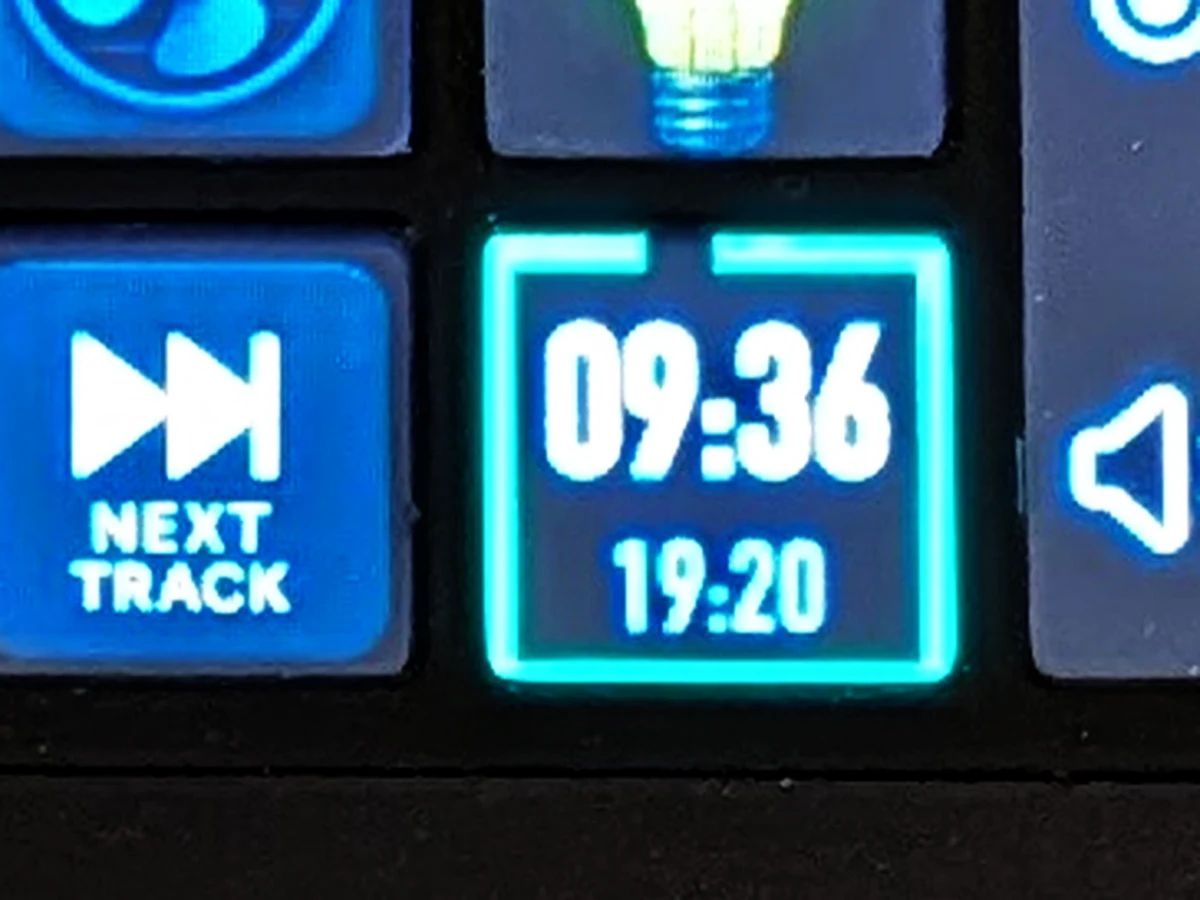
The time left takes over the button in big digits. The border around the edge drains as the session runs: green while you have time, amber past halfway, red for the last couple of minutes. Tap while it is running to pause, tap twice quickly to clear, and when it reaches zero the button flashes until you dismiss it.

Who it's for
Anyone with a Loupedeck CT, Live, or Live S, or one of the Razer Stream Controllers. Download the .lplug4 file, double click it, then drag the Pomodoro Clock action onto any button in the Loupedeck app.
I wanted this on hardware rather than in an app because a timer in a menu bar or a browser tab is competing with everything else I am looking at. A timer on a physical button next to my keyboard sits in my peripheral vision, and starting one is a tap instead of a context switch.
From an idea to something anyone can install
The idea was small. One button on my Loupedeck showed the time and nothing else, so I wondered what would happen if pressing it started a Pomodoro.
Claude Code wrote the C#. I described what I wanted, looked at what came back, and reacted. The surprising part was how little of the work was typing and how much was verification.
A Loupedeck button is 80 pixels square, and checking a change meant pushing a build, restarting the service, and squinting at the hardware. So we built a small harness that renders every state of the button to image files instead. That is the strip above. It caught the progress border painting over the caption text, caught the colors warming to amber far too early, and settled the font sizes by measuring where the digits actually clipped instead of guessing.
Two problems took much longer than they should have, and both had the same shape. A label kept appearing on the button that no amount of changing my code would remove, because the Loupedeck service composites your image through a template that prints the action name over it. Text refused to center vertically, because the drawing call plants a baseline and grows the text upward rather than centering it in the box you hand it. In both cases the image my code produced was correct every time we looked at it. We were checking the wrong layer.
The tell was the repetition. One failed fix is normal. A second failed fix in the same spot means the picture of how the system works is wrong, not the patch.
The plugin is on GitHub under MIT, with notes on all of that so the next person writing a Loupedeck plugin does not have to rediscover it.